Gear Guides
Technical breakdowns of gaming peripherals. No marketing fluff — just the specs and details that matter.
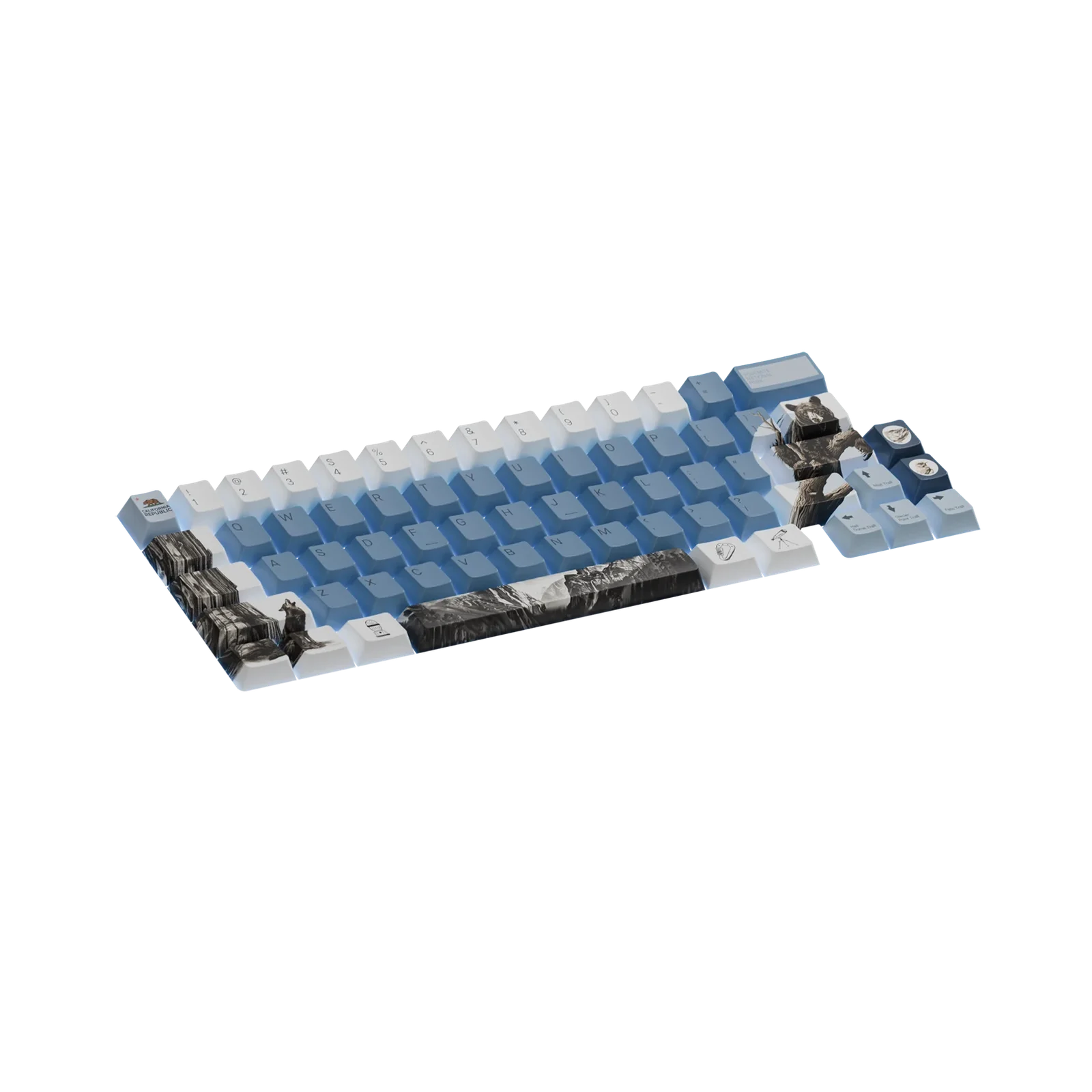
Choosing Your First Custom Keycaps
PBT vs ABS
PBT (polybutylene terephthalate) keycaps are denser, more durable, and resistant to shine. ABS (acrylonitrile butadiene styrene) is lighter and develops a shine over time but allows for thinner walls and sharper legends.
Profiles
Cherry profile is the most popular — a medium height with a sculpted top. OEM is similar but slightly taller. XDA and DSA are uniform height across all rows. SA is tall and sculpted with a retro feel.
Thickness
Thicker keycaps (1.3-1.5mm) produce a deeper, thockier sound. Thinner caps (0.8-1.0mm) sound higher-pitched and more clacky.
Compatibility
All keycaps listed on GameForge are MX-compatible. Check the product page for specific layout support (full size, TKL, 75%, 65%, 60%).
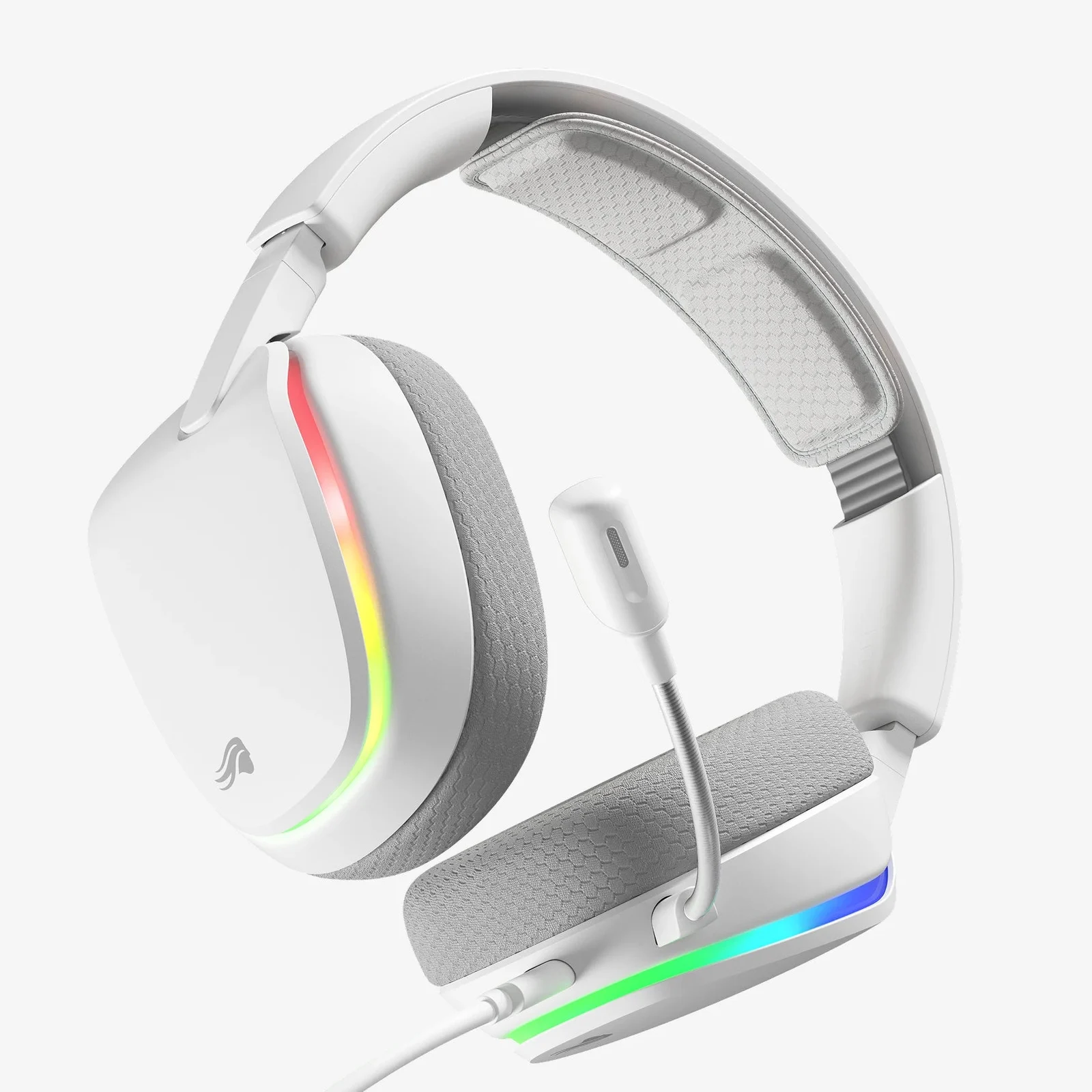
RGB Lighting Setup Guide
Controller Types
Standalone USB controllers work without proprietary software and are compatible with any RGB strip. Software-based controllers (iCUE, Razer Synapse) offer more customization but require compatible hardware.
LED Types
SMD5050 LEDs are the standard for RGB strips — bright, reliable, and widely supported. SMD3528 is cheaper but less bright. SMD2835 offers the best brightness-to-power ratio.
Voltage
Most USB-powered RGB strips run on 5V. Longer strips (5m+) may experience voltage drop — the far end will be dimmer. Use a 12V or 24V setup for runs over 3m.
Sync Modes
Music sync uses a microphone to match lighting to audio. Screen sync (Ambilight-style) mirrors your display colors. Software sync coordinates with other RGB peripherals.
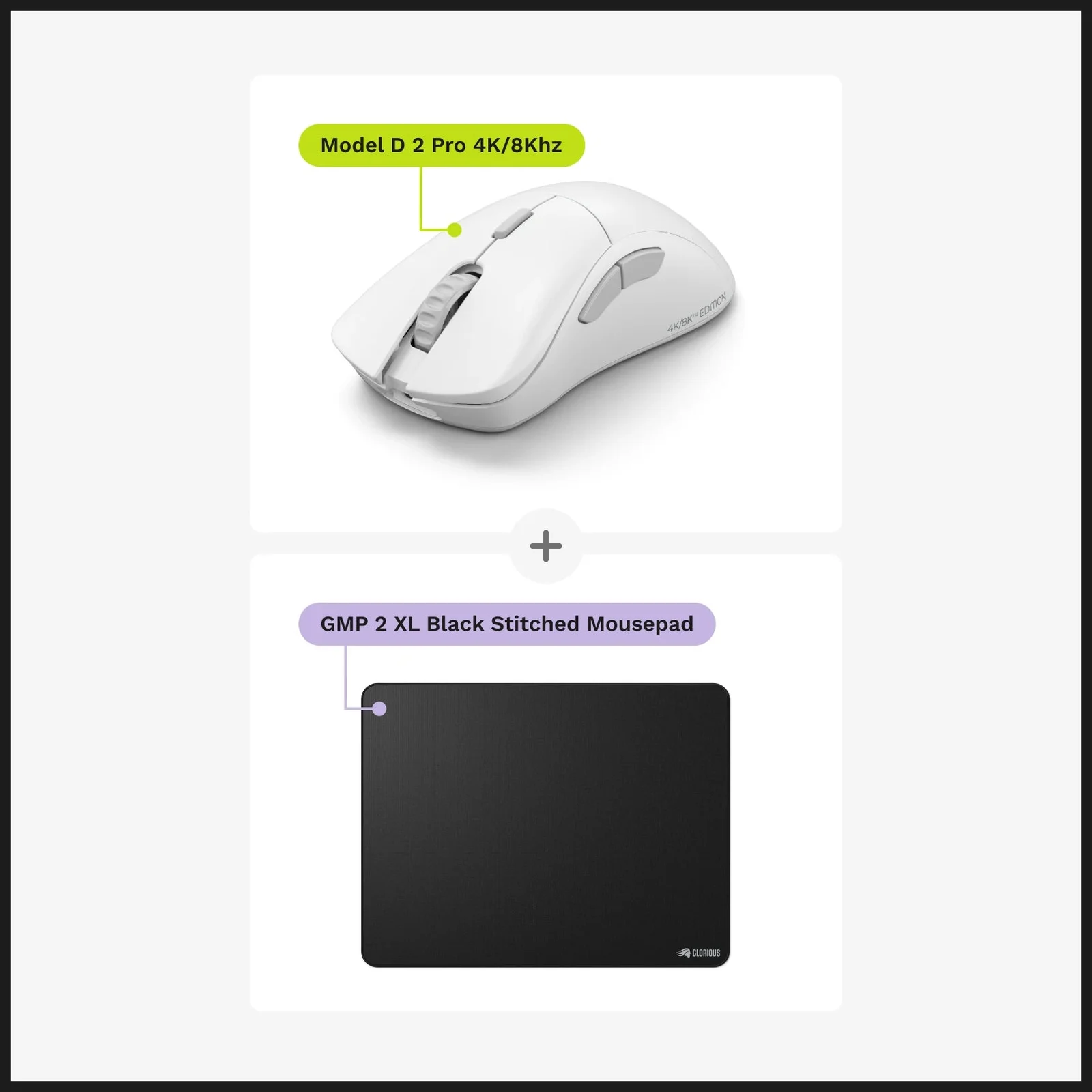
Mousepad Size: Does It Matter?
Standard vs XL
Standard mousepads (35x25cm) suit most users. XL and extended deskpads (80x30cm or larger) cover the full desk area, providing consistent tracking for both mouse and keyboard.
Cloth vs Hard
Cloth pads offer more control and comfort. Hard pads (plastic, glass) offer less friction and faster glide. Most competitive gamers prefer cloth for the balance of control and speed.
Stitching
Stitched edges prevent fraying and extend lifespan. Non-stitched pads are cheaper but will peel at the edges within 6-12 months of heavy use.
Thickness
3mm is standard. 4mm provides more cushioning for wrist comfort. 2mm is preferred by low-sensitivity players who want minimal lift.
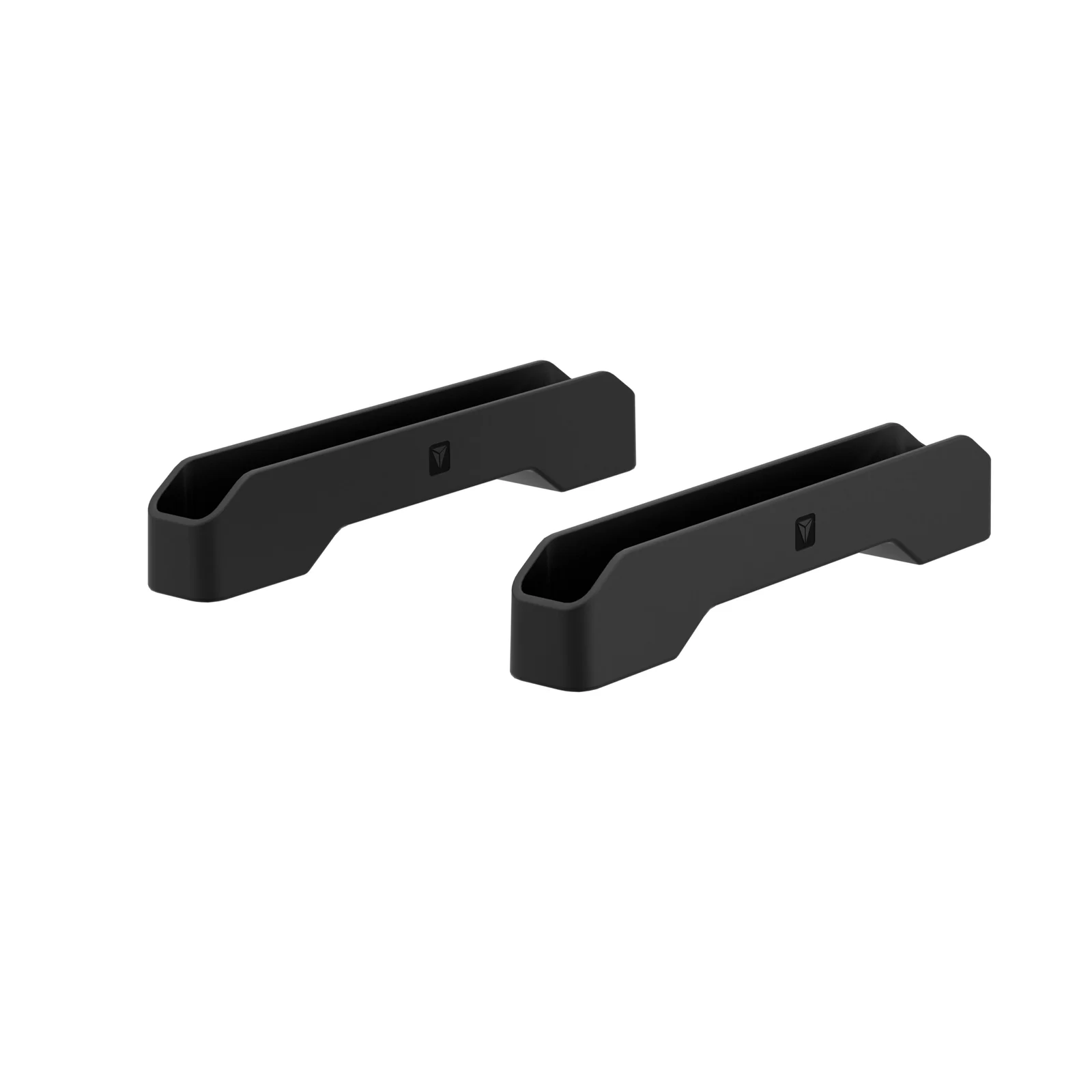
Controller Grip Installation
Surface Prep
Clean the controller surface with isopropyl alcohol before applying grips. Any oil or residue will weaken adhesion.
Placement
Align grips with the analog stick base. Start from one edge and press outward to avoid air bubbles. Most grips use 3M adhesive that is residue-free.
Compatibility
Check the product page for controller compatibility — PS5 (DualSense), PS4 (DualShock), Xbox Series X|S, and Switch Pro controllers have different stick sizes.
Tall vs Short
Tall thumbsticks increase aiming precision for FPS games. Short sticks are better for fast-paced action games. Concave tops provide grip; convex tops allow smooth circular movement.
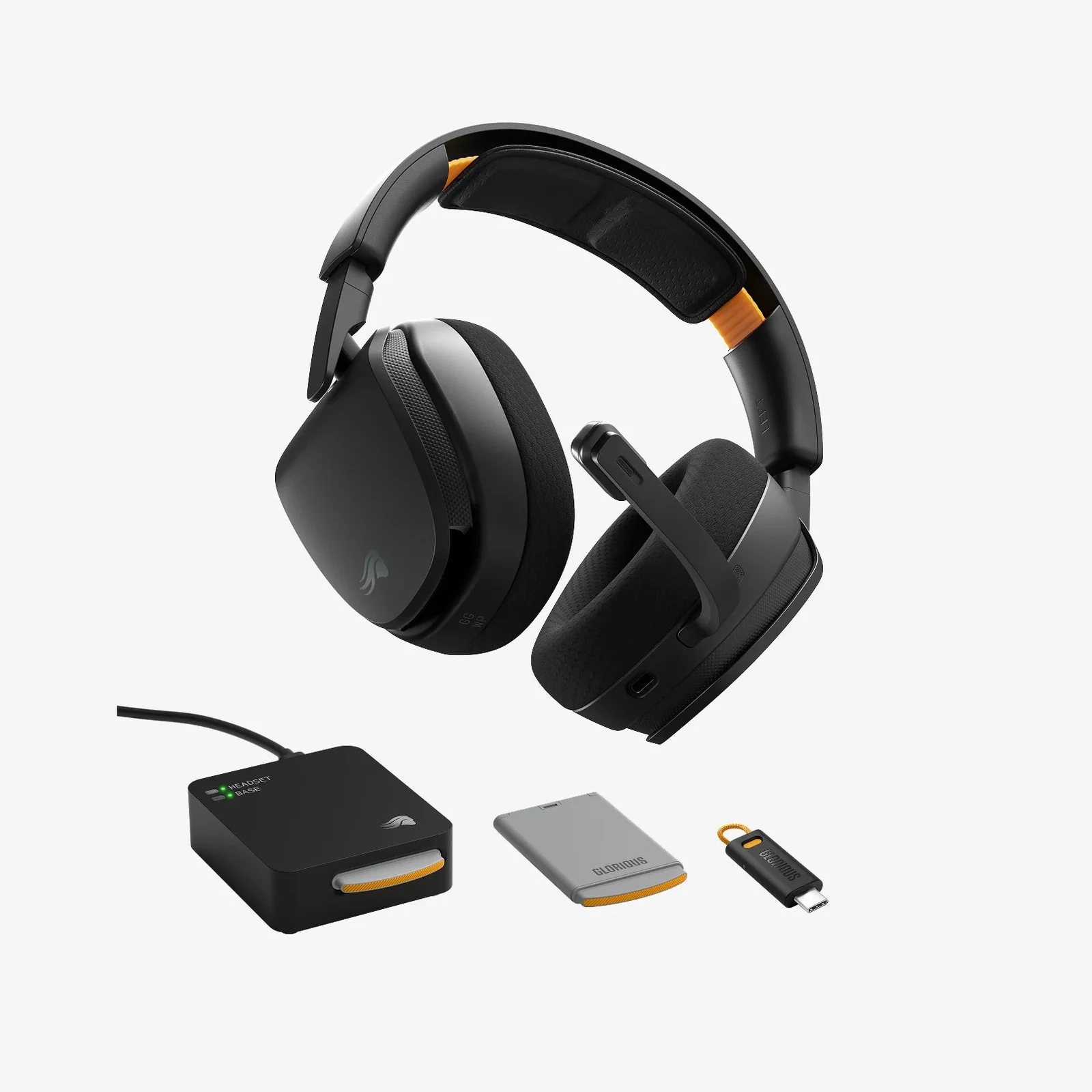
Headset Stand Setup
Clamp vs Freestanding
Clamp mounts attach to the desk edge and save desk space. Freestanding stands sit on the desk and are easier to reposition but take up more surface area.
Cable Management
Look for stands with built-in cable clips or channels. Routing the headset cable through the stand prevents tangles and reduces desk clutter.
Load Capacity
Most stands support up to 3.3 lbs (1.5kg). Heavy headsets (over 400g) should use a stand with a wider base for stability.
Rotation
360° rotation allows you to swivel the headset without moving the stand. This is useful for dual-monitor setups where the headset is between screens.
Switch Lubing Basics
Why Lube?
Lubing switches reduces spring ping, smoothens the stem travel, and deepens the sound. Krytox 205g0 is the most popular lubricant for linear switches.
Tools Needed
A switch opener, brush, and lube are the minimum. A switch holder and spring puller make the process faster. Film is optional but reduces housing wobble.
Tactile vs Linear
Linear switches benefit most from lubing — the entire stem gets coated. Tactile switches should avoid lubing the tactile bump area to preserve the tactile feel.
Time Investment
Lubing a full keyboard (60-104 switches) takes 2-4 hours. It's tedious but produces a noticeable improvement in sound and feel.